ResearchVault
A research library for turning scattered notes, quotes, and findings into a searchable knowledge system.
Overview
ResearchVault is a project I built to make academic reading more useful beyond the moment I read an article.
During my master’s, I often read around three academic articles per week per course. Usually, the process looks like this: I download the article as a PDF, highlight important passages, save it somewhere in local storage, and move on. The problem comes later — especially when writing essays or preparing for a thesis. I might remember that I read something relevant, but not which article said it, where the claim came from, or how to cite it properly in APA 7 style.
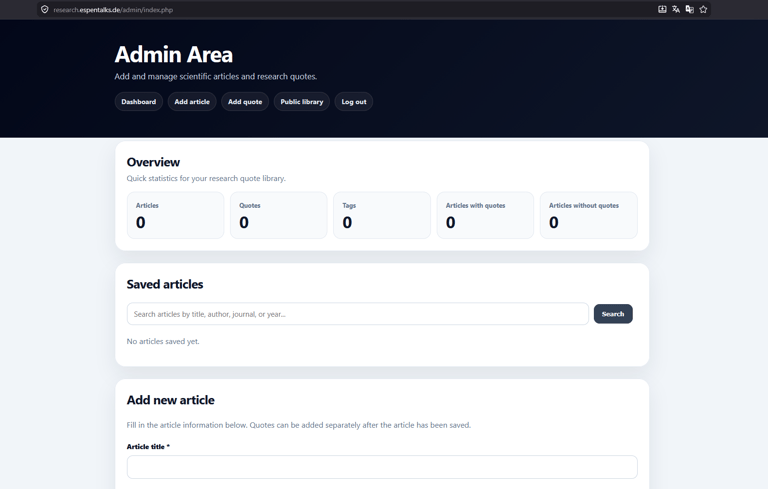
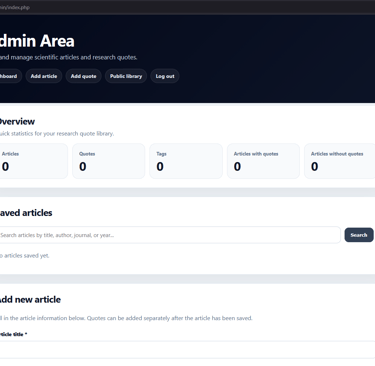
ResearchVault is my attempt to solve that problem. It lets me store article summaries, key information, tags, quotes, and ready-to-use APA 7 references in one structured database. The goal is to make academic knowledge easier to search, reuse, and connect when writing.
Why I built it
With the release of the new ChatGPT 5.5 model, I wanted to test how far I could get with just this tool, a computer, and myself — without spending money on external development tools or paid solutions.
I had already explored some of the basics through my ETF Dashboard project, where I learned more about APIs, GitHub, Hostinger deployment, JavaScript, and Node.js. For ResearchVault, I wanted to take a different step. Instead of working with external ETF data, I wanted to build something closer to my own study workflow and solve a problem I was actually dealing with.
The issue was simple: academic reading creates a lot of useful knowledge, but that knowledge is often hard to access later. Highlighted PDFs are useful in the moment, but they do not create an intuitive system for finding claims, quotes, tags, and references when writing. Searching through dozens of PDFs and manually collecting APA 7 references can become a huge hassle.
So I decided to build a database where I can upload summaries and key information from articles I have read, add quotes from those articles, tag everything properly, and keep the APA 7 reference ready to copy.
How I built it
For this project, I used a more hands-on approach than simply asking an AI tool to generate everything at once.
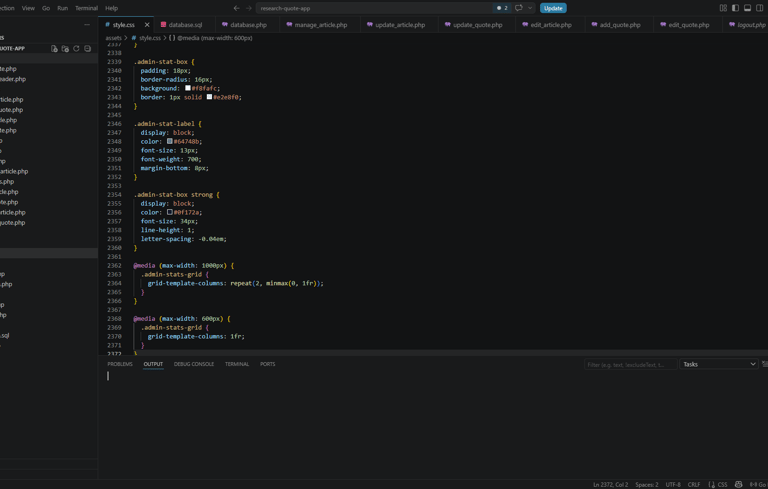
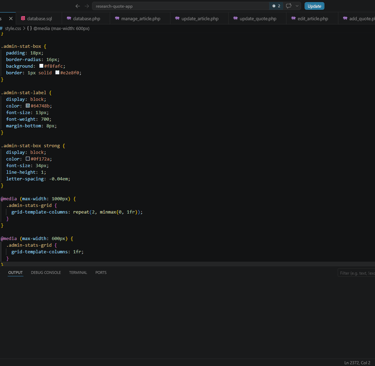
I worked in Visual Studio Code, created the project folders myself, set up the database structure, used SQL, styled the pages with CSS, and added the features step by step with the help of ChatGPT. The process was still a lot of effort, but that was intentional. I wanted to understand what I was building along the way instead of letting everything be generated automatically.
The project helped me learn more about:
Databases and SQL
How information can be structured, stored, connected, and retrieved.
Search logic
How tags can make articles and quotes easier to find, especially when multiple tags are combined.
Web development workflow
How to build and organize a project locally using Visual Studio Code.
CSS and interface design
How to design a tool that is usable and clear enough for actual study work.
AI-assisted coding
How to use ChatGPT as a coding partner while still learning, testing, debugging, and understanding each part myself.
Project Status
Status: In development
ResearchVault is still evolving. I am continuing to refine the database, improve the search experience, and think about how the tool can better support academic writing and thesis preparation.
The long-term goal is to make ResearchVault a personal academic knowledge system — a place where everything I read during my studies becomes easier to find, connect, and reuse later.
© 2025. All rights reserved.
Espen Hofmann
B.Sc. in Human Resource Studies: People Management (Tilburg University)
A personal archive of projects, research, tools, and ideas in progress.
This website is intended for informational purposes only.
The content is based on research, academic sources, and personal analysis.
Nothing here should be considered financial, legal, or investment advice.